
Tags
Tags help you organize, categorize, and automate your data inside MagicBlocks.
Overview
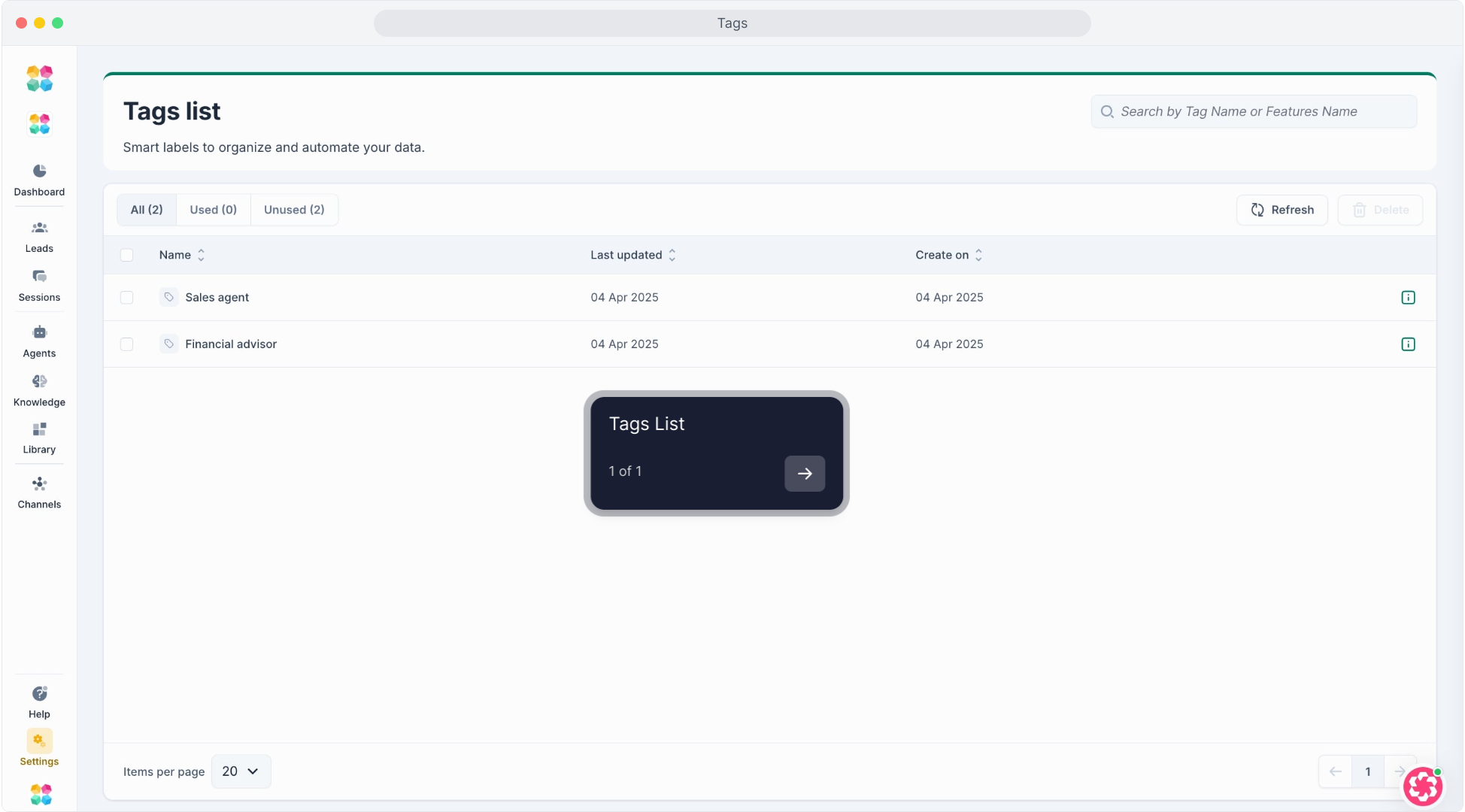
In your workspace, you can access all existing tags under Settings → Tags. This page gives you a complete view of every tag in use — including where and when it was created — but you cannot create new tags here.
New tags can only be created within other parts of MagicBlocks (for example, while tagging content in Knowledge)
What You Can See
The Tags List displays all tags available in your workspace.
Each tag entry shows:
- Name – the label assigned to the tag (e.g., “ads”, “qualified contact”)
- Last Updated – when it was last modified
- Created On – when it was first added
You can:
- Search for tags by name using the search bar
- Sort by “Last Updated” or “Created On”
- Filter between All, Used, or Unused tags
💡 If a tag is currently in use, it will appear under “Used” and cannot be deleted until removed from associated items.