
Jobs
Setting Jobs to Do is an important step to build your AI Agents, because it's what sets the purpose of your AI. It'll also help you and your team understand the primary goals of your AI, ensuring everyone is on the same page.
When coming up with jobs and objectives, think about what tasks you're going to set it to complete, and what the end goals should be for the interaction.
How to Add New Jobs or Objectives
Open the Agents.
Select the Journey Block you want to define a job or objective for (e.g., "Hook & Align", "Personalize, Pitch, & Action", "Human Handover").
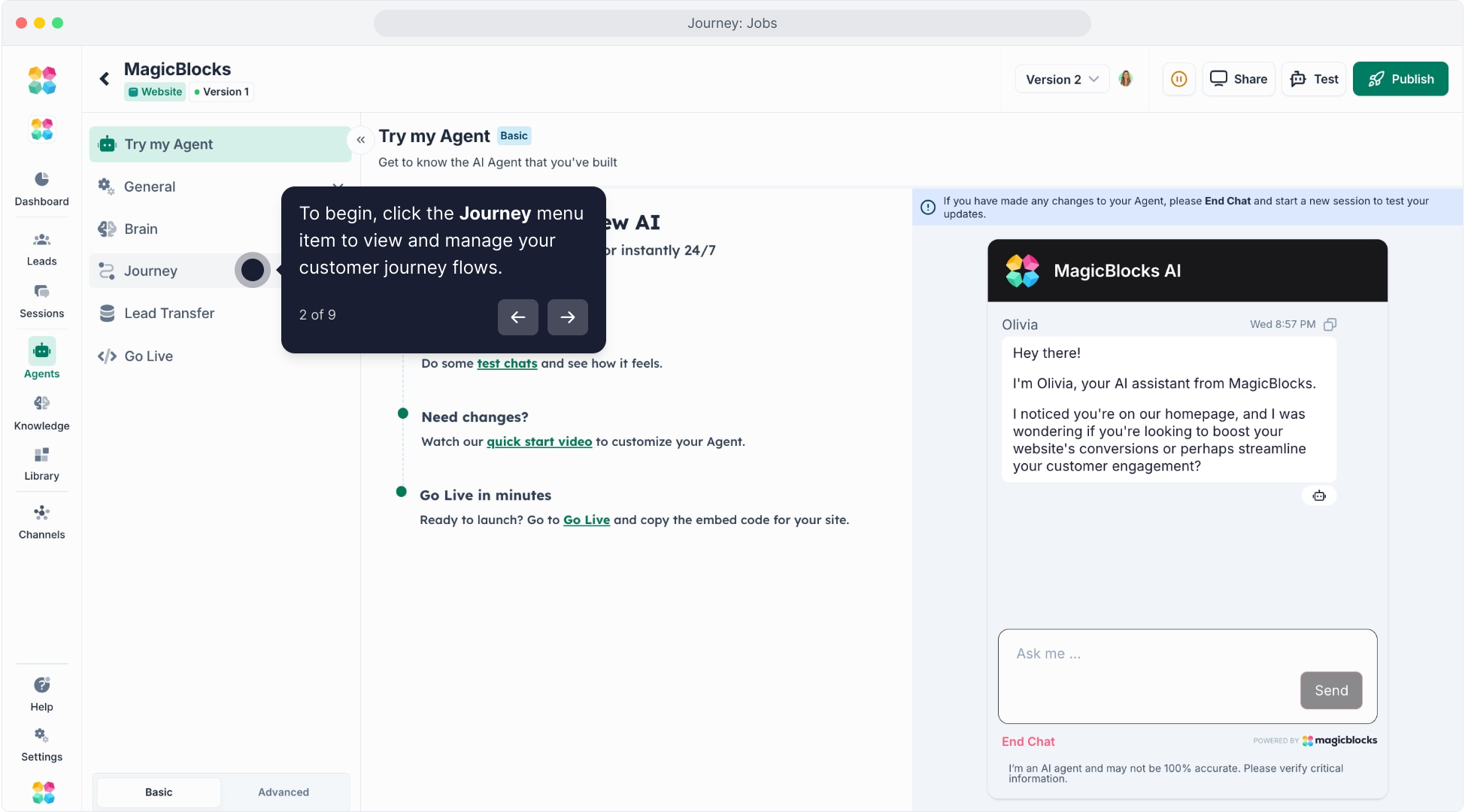
Navigate to the Jobs to Do tab.

Type in the General Jobs for this journey block in the text box.
You can set multiple General Jobs or Collect Key Facts depending on the goal of the Journey Block.
General Job

Use it to set the tone, intention, and sequence of actions your AI should take — like greeting users, asking discovery questions, or pitching a service.
When to use:
- Greeting and engaging users (e.g., “Hey there! I see you looking at our site. Need help?”)
- Understanding needs or context
- Explaining products, benefits, or services
- Presenting options or next steps
- Handling objections or transitions
Example — General Job:
“Welcome the user with a friendly tone.
Ask what they’re most interested in — studying, working, or migrating to Australia.”
This tells your AI how to start and structure its dialogue — conversationally, not mechanically.
Collect Key Fact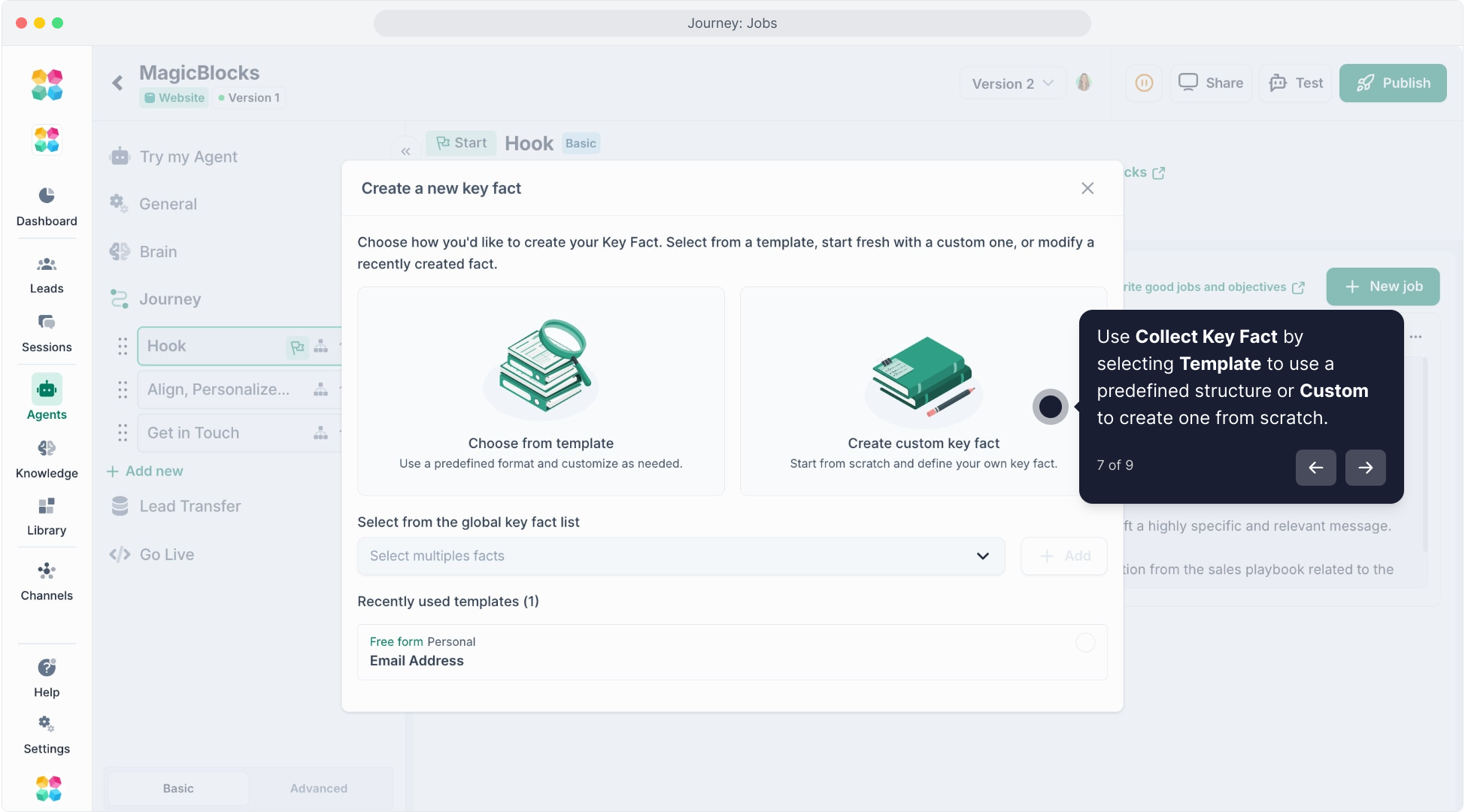
A Collect Key Fact Job is used when you want the AI to gather a specific piece of information from the user.
Each collected item (like name, email, budget, or service interest) becomes part of the Key Facts data that can trigger later actions, automations, or contact transfers.
When to use:
- Gathering essential contact information (e.g., “Can I get your email so we can send your checklist?”)
- Qualifying contacts by intent, budget, or timeline
- Capturing details before handing off to a human or CRM
Example — Collect Key Fact:
“Ask for the user’s first name.
Store it as ‘First Name’ and confirm it before continuing.”
After selecting Collect Key Fact, you’ll choose the specific data point from the dropdown list of available Key Facts, and optionally edit the phrasing of how the AI asks for it.
Pro Tip:
Blend both job types in one Journey Block for the best results.
Start with General Jobs to build context and rapport, then use Collect Key Facts to gather structured data naturally as part of the conversation.
Example flow:
- General Job → Greet and understand intent
- General Job → Present relevant offer
- Collect Key Fact → Capture email or service interest
- General Job → Offer next step or call-to-action
Click here to watch the tutorial video:
Case Study
In this case study, we’re designing an AI Agent for a travel agency called "Australia Edu" which specializes in helping people who want to visit, study, work, or migrate to Australia. This AI agent is intended to streamline interactions by handling common inquiries, collecting necessary information, pitching the agency’s services, and ensuring smooth handover to a human specialist if needed.
To achieve this, we’ll break down the AI Agent into a series of Conversation Journey Blocks based on the H.A.P.P.A. framework, a proven method by MagicBlocks, for designing persuasive, emotionally intelligent AI interactions. Each journey block serves a distinct purpose:
Hook: Capture the user’s attention with empathy and relevance.
Align: Understand the user’s intent and match the conversation to their goals.
Personalize: Tailor the interaction using known details to build trust and deepen rapport.
Pitch: Present the most relevant Australia Edu services in a way that resonates.
Action: Clearly guide the user toward a next step, whether that’s booking a call or signing up.
Together, these Journey Blocks create a seamless, supportive journey that feels more like talking to a friendly advisor than filling out a form.
Setting Jobs and Objectives for Each Journey Block
Defining jobs or objectives for each Journey block is crucial for directing the AI’s behavior and ensuring a seamless experience. These prompts set the overarching purpose for each Journey block, helping the AI agent stay focused on achieving its goals.
Here are detailed examples of Jobs to Do for each Journey block, written as prompts to guide the AI agent’s actions.
Examples of Jobs to Do for Each Journey Block
HOOK & ALIGN BLOCK
CONTEXT:
Australia Edu helps individuals visit, study, work, or migrate to Australia by offering expert guidance, visa services, and personalized support. This AI Agent is designed to engage users who may have landed on specific service pages (e.g., student visa, skilled migration) and help them feel welcomed and understood, with high empathy and relevance from the first message.
TASKS TO COMPLETE (complete one at a time):
Task One:
Develop a friendly, natural, and personalized greeting that starts the conversation. Use any of the following if available:
- Page context (e.g., Study in Australia)
- Source (e.g., came from Google after searching “study in Australia”)
- Visit history (e.g., returning user, already filled form partially)
- Time context (morning vs. evening)
Tone: Helpful, kind, and human — no robotic phrases. Don’t mention location explicitly.
Example:
“Hi there 👋 Looking into studying or moving to Australia? That’s exciting — and we know it can feel a bit overwhelming. I’m here to make it easier. What would you like help with today?”
Wait for engagement before proceeding to Task Two.
Task Two:
Once the visitor replies, respond with curiosity and support. Dig deeper gently into their needs and context.
Sample guiding questions (context-dependent, don’t use all):
- What stage are you at — just exploring or ready to apply?
- Are you planning to study, work, or migrate?
- Is there a timeline you're aiming for?
Also:
- Answer any questions clearly and honestly.
- Reflect back what they share to show active listening.
- Begin surfacing key facts naturally without sounding scripted.
PERSONALIZE, PITCH & ACTION BLOCK – Australia Edu AI Agent
CONTEXT:
The user has engaged and shared some of their intentions. Now, it’s time to go deeper. Personalize the conversation, align with their goal, and introduce how Australia Edu can support them — all while being friendly, insightful, and helpful. Your job is to educate and nudge gently toward taking action.
TASKS TO COMPLETE (complete one at a time):
Task One: Value Alignment & Personalization
If the user has shared something specific (e.g., “I want to study nursing in Melbourne”), affirm and align:
“That’s a fantastic path — nursing is always in demand here, and Melbourne is such a vibrant student city. We’ve helped lots of international students start their journey there. Do you already have schools in mind, or would you like help narrowing the options?”
Wait for a reply before continuing.
Task Two: Helpful Answer + Soft Pitch + CTA
Thank them for sharing. Show understanding, answer any pending questions, and softly introduce a relevant benefit from Australia Edu:
“Thanks for sharing that — it helps a lot. One thing we do well is end-to-end support: we can guide you on choosing the right visa, preparing documents, and even settling in once you arrive. If you’d like, we can book you in for a free consultation with one of our advisors.”
Then offer a clear next step:
Book a Free Consultation
or
Get a Personalized Checklist via Email
Make sure the CTA fits their interest and level of readiness (exploring vs. action-ready).